

Quantity problems can quietly create fulfillment issues for Shopify merchants.
For wholesalers, distributors, B2B stores, and merchants selling limited or promotional products, order quantity is not just a customer choice. It can affect profitability, inventory control, warehouse planning, packing rules, and fulfillment accuracy.
If checkout allows the wrong quantity, your team has to fix the order after it is already placed.
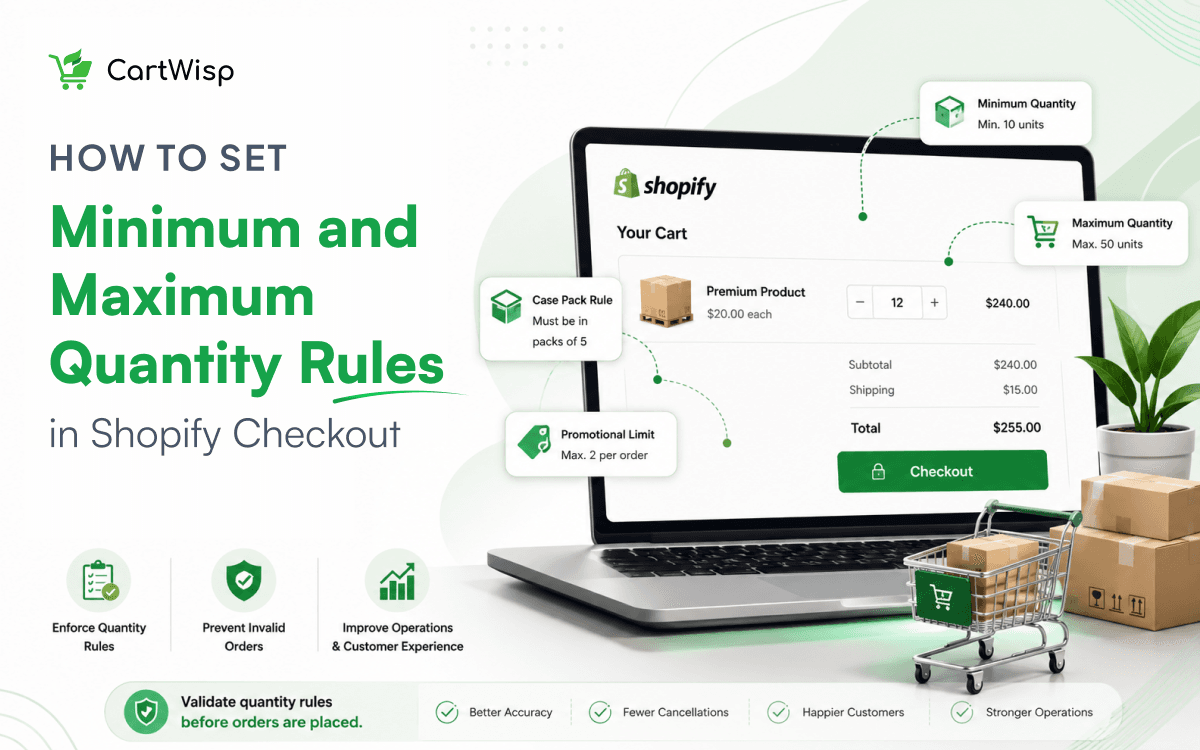
The Problem
Many Shopify stores have quantity rules, but those rules are not always enforced at checkout.
Common examples include:
- A wholesale buyer orders below MOQ
- A distributor does not meet the required case quantity
- A customer buys too many units of a limited product
- A promotional SKU gets over-purchased
- A B2B order does not match pack-size rules
- A product has a maximum quantity limit, but checkout still allows more
The order gets created first. Then your team has to step in.
Why It Happens
Shopify checkout is designed to complete orders quickly. But quantity rules are often specific to the merchant’s business model.
- A wholesaler may need buyers to order at least 10 units.
- A distributor may require products to be purchased by the case.
- A limited-drop merchant may only allow one item per customer.
- A promotional product may need strict quantity limits.
If these rules are only written on product pages or reviewed manually, customers can still place orders that break them.
The Consequences
Quantity mistakes create unnecessary work. Your team may need to:
- Contact the customer
- Edit the order
- Ask the buyer to update the quantity
- Cancel or refund the order
- Delay fulfillment
- Manually review future orders
- Handle support tickets
For B2B and wholesale merchants, this creates friction with buyers and slows down order processing. For limited or promotional products, it can also create inventory fairness issues.
The Better Approach
Quantity rules should be validated before the order is placed.
- If a product has a minimum quantity, checkout should enforce it.
- If a SKU has a maximum quantity, checkout should stop excess purchase.
- If wholesale buyers have different quantity rules than retail customers, checkout should apply the correct rule to the correct customer group.
This prevents invalid orders before they reach fulfillment.
How CartWisp Helps
CartWisp helps Shopify merchants enforce checkout rules and validation before orders are placed.
For quantity-related workflows, CartWisp can help control:
- Minimum order quantity
- Maximum quantity per SKU
- Wholesale quantity rules
- B2B order limits
- Product-specific quantity restrictions
- Promotional item limits
- Customer segment-based quantity rules
If the order violates the rule, checkout can show a clear message before the order is placed.
Example:
“Wholesale orders require a minimum quantity of 10 units. Please update your cart to continue.”
Or:
“This product is limited to 1 unit per order. Please reduce the quantity to continue.”
That is better than accepting the order first and fixing it later.
Final Thought
If your team is still correcting quantity issues after checkout, the problem is not just order management. It is checkout validation.
CartWisp helps Shopify merchants enforce quantity rules before invalid orders are placed.
Book a Demo to see it in action: https://cartwisp.com/demo
Install CartWisp on Shopify: https://apps.shopify.com/cartwisp
#CheckoutValidation #CheckoutControl #CheckoutRules #CheckoutPolicy #CheckoutGovernance #InvalidOrders #OrderValidation #PolicyEnforcement #ShopifyCheckout #ShopifyCheckoutRules #WholesaleEcommerce #ShopifyB2B