

P.O. Box addresses can create fulfillment problems for Shopify merchants.
For furniture stores, equipment sellers, wholesale distributors, regulated product merchants, and bulk-goods sellers, some orders require a valid street address. The product may be oversized, signature-required, restricted, freight-only, or unsupported by carriers for P.O. Box delivery.
But if checkout still accepts the address, your team has to fix the issue after the order is already placed.
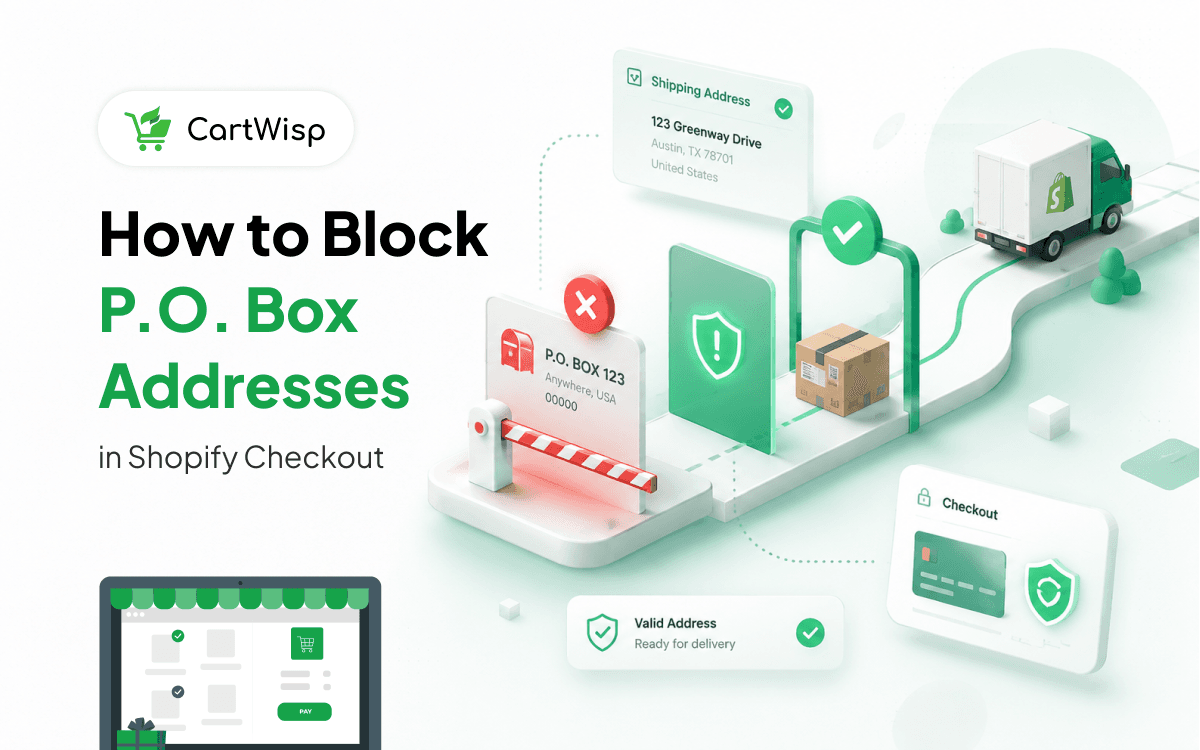
The Use Case
A Shopify merchant sells heavy or restricted products.
Their shipping policy is clear: “Certain orders cannot be shipped to P.O. Boxes. They need a valid street address.”
But customers still enter P.O. Box addresses during checkout. The order is accepted first, and the problem reaches fulfillment later.
The Problem
The issue appears after checkout.
A customer places the order. Then the fulfillment team sees that the address is a P.O. Box. Now someone has to pause the order, contact the customer, request a new address, update the order, and restart fulfillment.
This creates unnecessary delays and support work.
Why It Happens
Shopify checkout is designed to complete orders quickly. But some shipping rules depend on product type, carrier requirements, delivery method, customer location, or business policy.
- A shipping policy page may explain the restriction.
- A product page may mention delivery requirements.
But customers may miss those details. If checkout does not validate the address, the order can still go through.
The Consequences
P.O. Box shipping issues can lead to:
- Fulfillment delays
- Manual address correction
- Customer support tickets
- Shipping method changes
- Cancelled orders
- Delivery confusion
- Extra operations work
For wholesalers and distributors, these issues can slow down bulk orders and create unnecessary buyer follow-up. For heavy-goods sellers, they can delay freight or carrier planning.
The Better Workflow
Address rules should be checked before checkout completes.
If an order requires a street address, checkout should not accept a P.O. Box. The customer should see a clear message before payment.
Example:
“This order requires a valid street address. Please update your shipping address to continue.”
This prevents the order from becoming a fulfillment exception.
How CartWisp Helps
CartWisp helps Shopify merchants enforce checkout rules before orders are placed. For address and shipping workflows, CartWisp can help control:
- P.O. Box restrictions
- Street address requirements
- Product-specific shipping rules
- Freight-only shipping policies
- Restricted product shipping conditions
- Region-based shipping validation
- B2B and wholesale fulfillment rules
If the address violates the configured rule, CartWisp can block checkout and guide the customer before the order is placed.
Example Outcome
Before CartWisp:
- A customer enters a P.O. Box address.
- The order is placed.
- Fulfillment pauses the order.
- Support contacts the customer.
- Shipping is delayed.
After CartWisp:
- Checkout checks the address before payment.
- The customer sees the restriction immediately.
- The customer updates the address.
- Only valid orders reach fulfillment.
Final Thought
If your team is still correcting P.O. Box addresses after checkout, the problem is not only shipping. It is checkout validation.
CartWisp helps Shopify merchants enforce address and shipping rules before invalid orders are placed.
Book a Demo to see it in action: https://cartwisp.com/demo
Install CartWisp on Shopify: https://apps.shopify.com/cartwisp
#CheckoutValidation #CheckoutControl #CheckoutRules #CheckoutPolicy #CheckoutGovernance #InvalidOrders #OrderValidation #PolicyEnforcement #ShopifyCheckout #ShopifyCheckoutRules #WholesaleEcommerce #ShopifyB2B